
Walking pace & comfortable transfers
Give yourself more time
Section titled “Give yourself more time”In Settings, choose Slow walking speed, enable Less Walking, and set Transfer Slack to 180 seconds.
{ "userPreferences": { "walkingSpeed": "SLOW" }, "lessWalking": true, "transferSlack": 180}The planner uses a walking pace of 4 km/h and adds three minutes to transfers. Open a result to see the walking segments and time between services.
Show accessibility information
Section titled “Show accessibility information”When supplied, a journey includes wheelchair accessibility and bicycle-permission information. Display each as Yes, No or Information unavailable.
Use a JSON response or a Protobuf result converted with defaults: false to preserve missing accessibility information.
function accessibilityLabel(value) { return value === true ? 'Yes' : value === false ? 'No' : 'Information unavailable';}const label = accessibilityLabel(transitLeg.serviceJourney?.wheelchairAccessible);The Yes / No / Information unavailable distinction applies to optional service-journey flags. Quay.wheelchairAccessible is non-optional: its default false cannot distinguish unknown accessibility from an explicit negative value by presence.
Use the returned information and service notices to help the traveller choose a suitable trip.
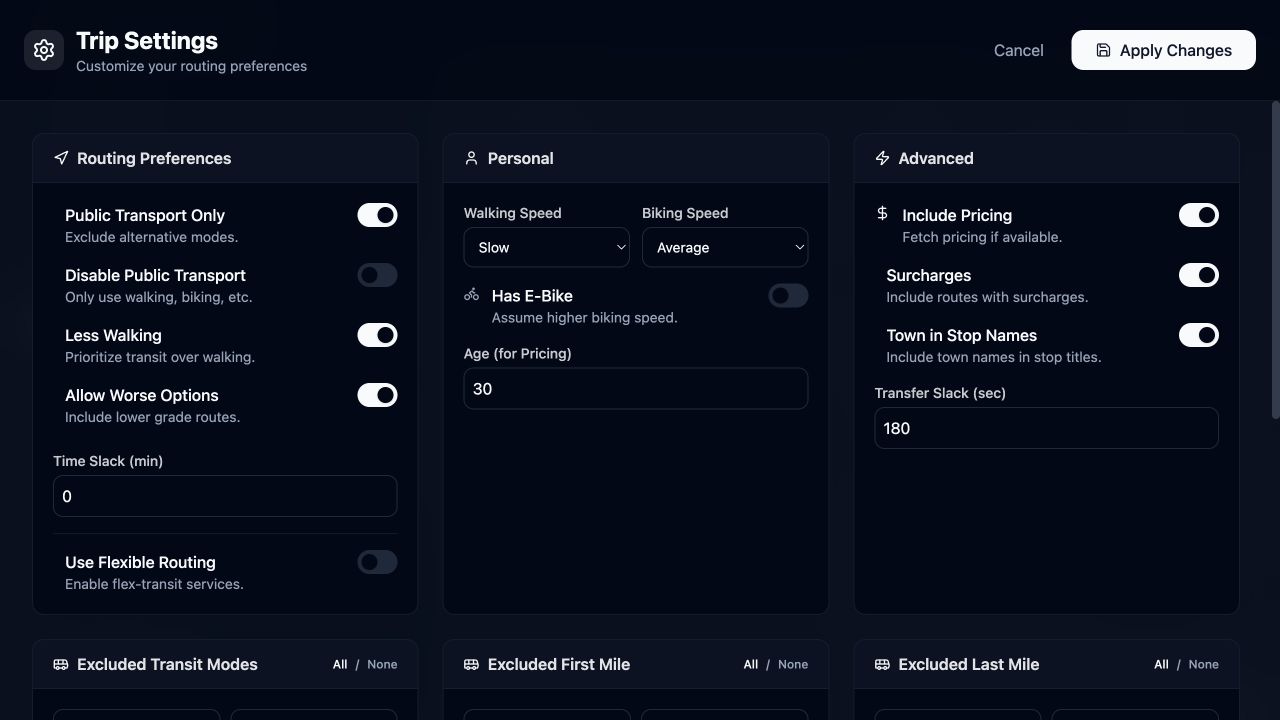
Slow walking, Less Walking and three minutes of transfer slack selected in Settings.
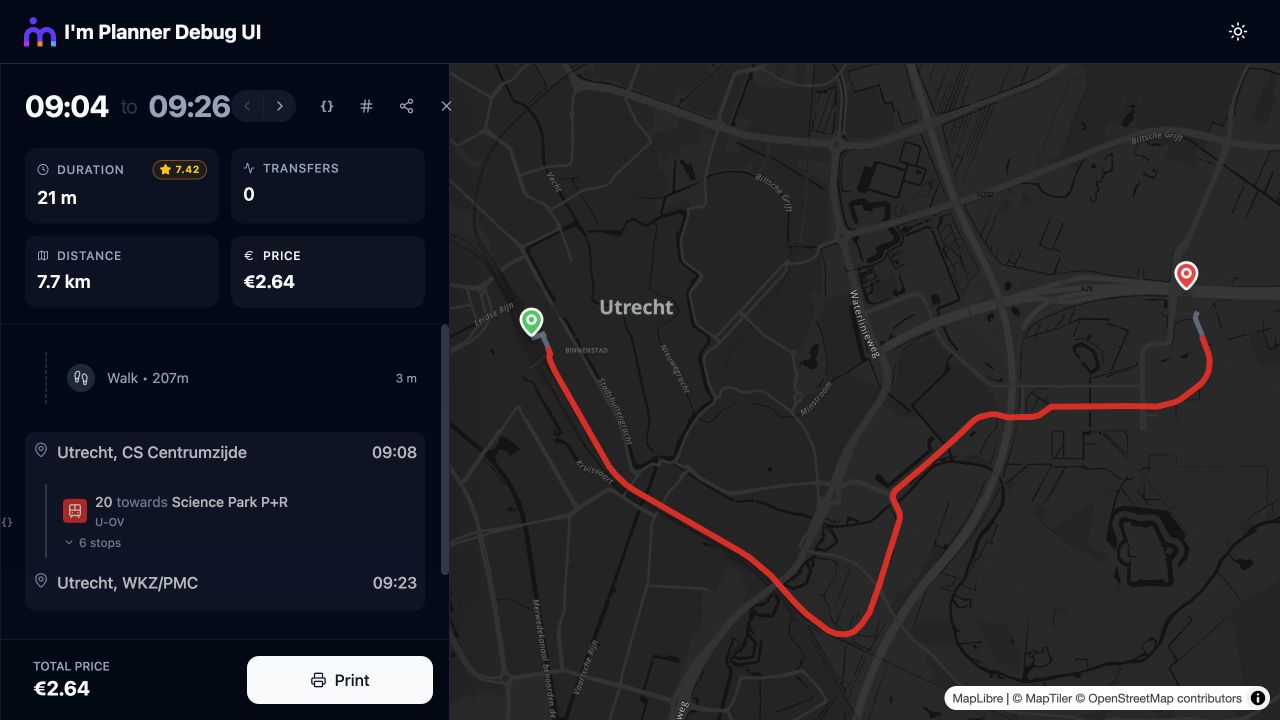
A Utrecht tram journey with three-minute walking legs using the selected walking pace.